I’ve repeatedly run out of storage on my iPhone and MacBook over the past few months. A few days ago I completely cleared it out, and thought I’d share tips and tricks to help anyone else out.
For Macbook:
-
Use Mole to clear system caches, and analyse your storage
-
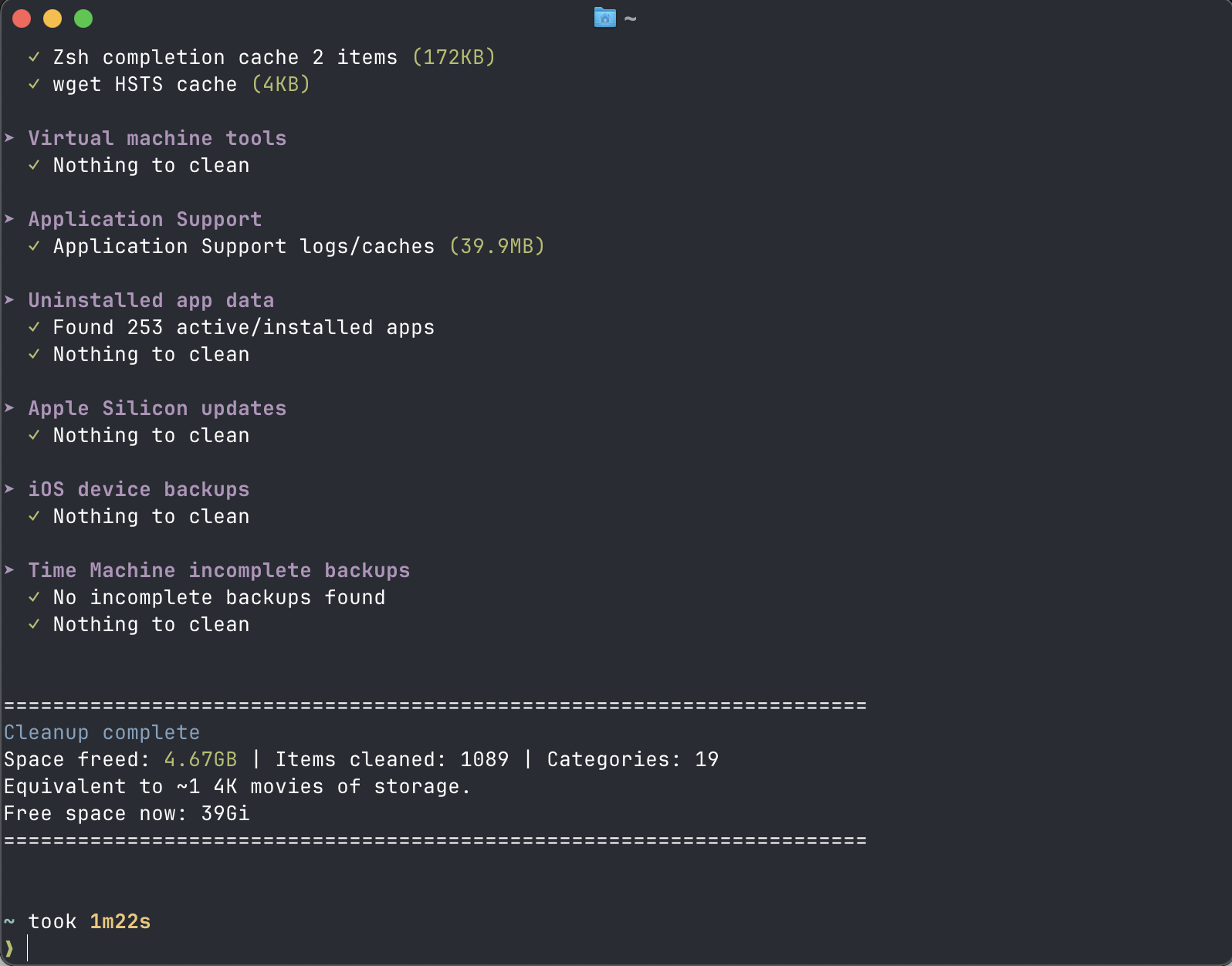
Mo is a CLI tool that quickly and thoroughly clears up storage. The first time I ran it I cleared around 22gb worth of caches and other files I didn’t need.
-
-
Ask Claude Code or similar CLI to find unused files/folders to clear up.
-
Around 6gb were freed from deleting the Anki media in a suspended Anking deck with ~35k cards. Prior to using a CLI agent I wasn’t aware a convenient way of targeting just the cards specific to a deck.

-
-
Use iCloud/Google drive to store large unused files. I usually upload them all to a Google Cloud storage bucket, but iCloud and Google drive offer convenient ways of doing this!
For iPhone:
-
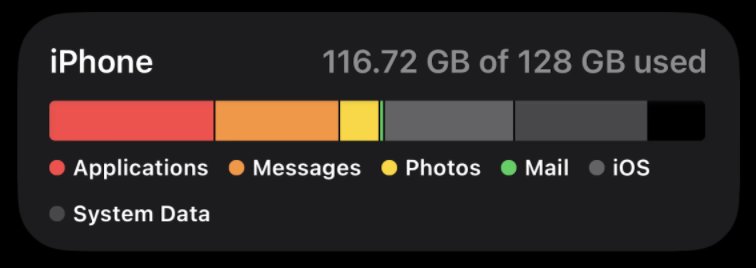
Unfortunately my phone has a base storage of 128gb.
-
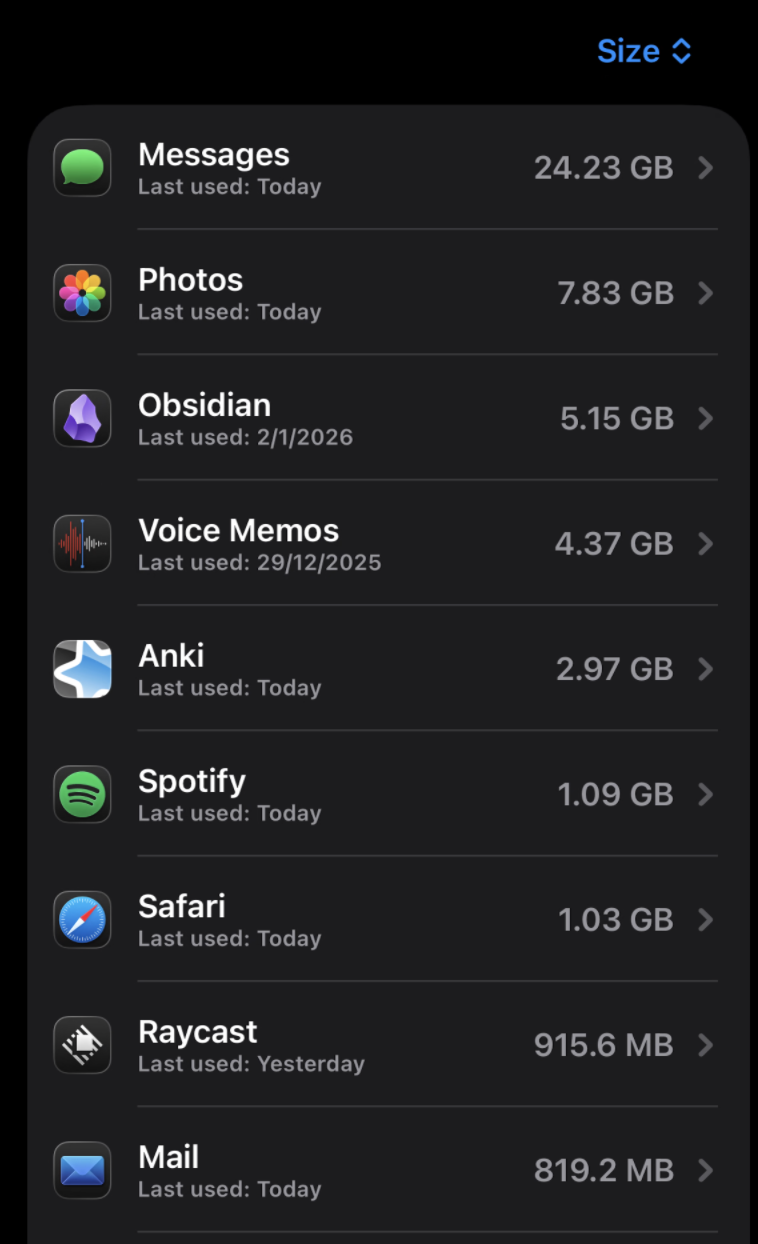
iMessage takes up the most data at 24.23gb, with photos being second at 7.83gb. I’m in the process of backing up all my iMessage data and storing it on a server rather than trust Apple to keep the synchronisation and iCloud storage optimised. I ran into issues earlier where my local iMessage data was somehow being deleted because of iCloud?
-
Honestly there’s not a ton most people can do other than use something like iCloud or Google photos to upload photos and delete their local ones. Everything else on my phone is required and I wouldn’t be able to delete.
-
I routinely upload my voice memos to my Google Cloud storage bucket and delete local ones. Deleting the Anking media on my MacBook also freed up space on my MacBook!
Thanks for reading and hope this helps someone :))