I’ve tried out a lot of web clippers to save articles and things I come across on the Web, everything from Readwise to Pocket to Memex.
I’ve now settled on Obsidian Webclipper, here are my thoughts on it:
-
Obsidian’s web clipper is supported by basically all browsers, and also has an iOS extension!
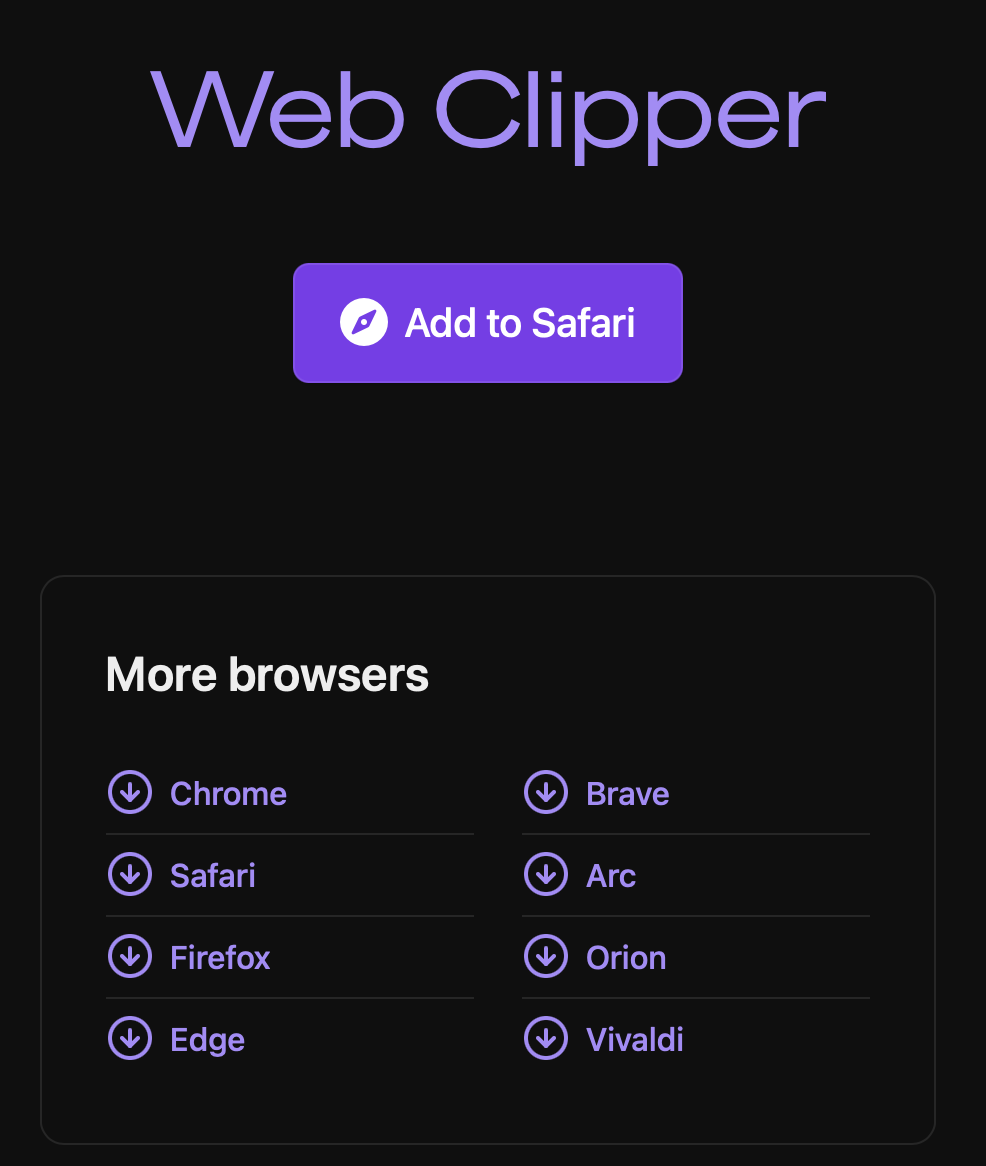
all the supported browsers
-
Natively parses and saves webpages to Markdown files. This allows everything to remain local and accessible, without having to worry about broken links/missing webpages in the future!
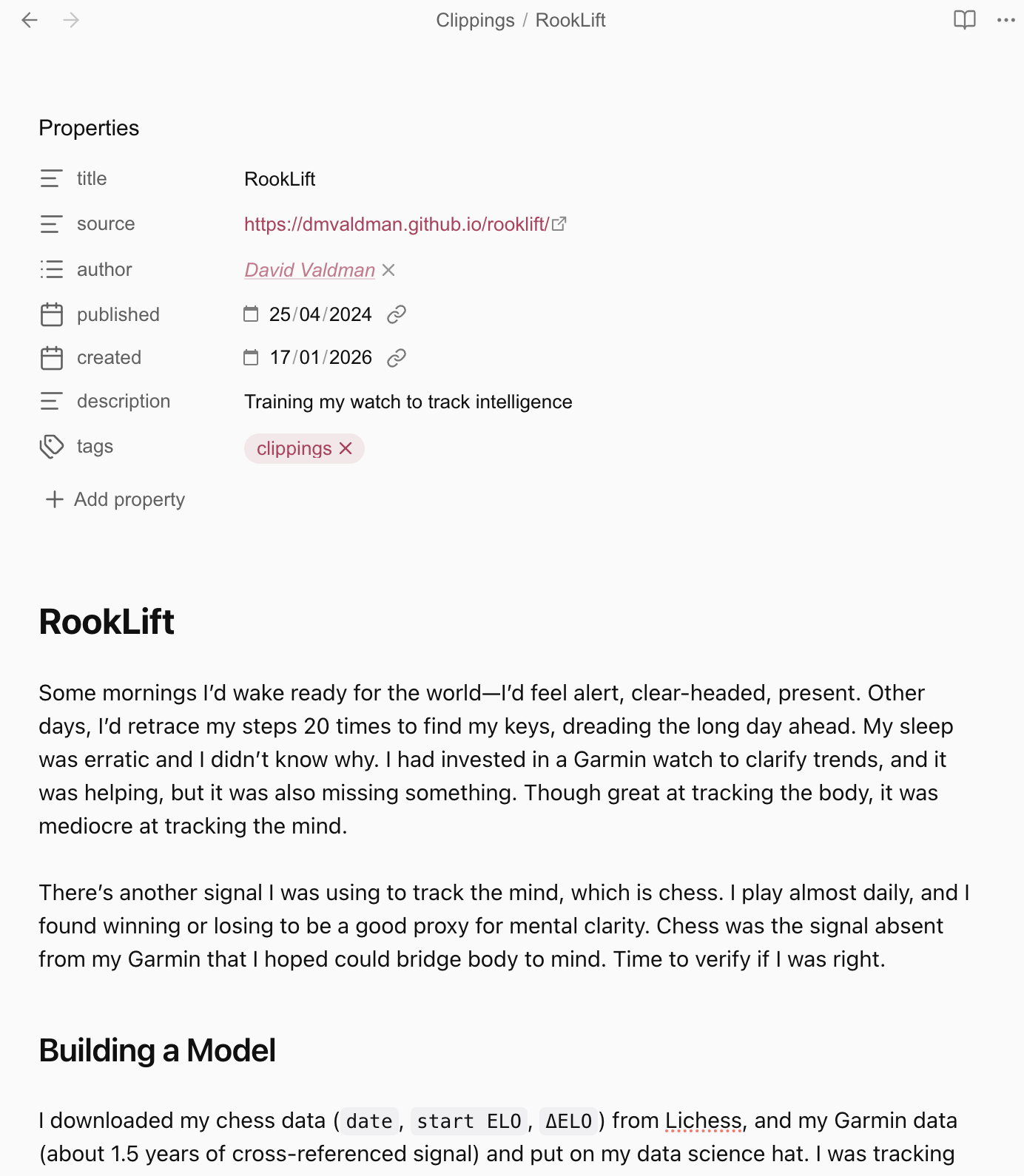
-
The only downside of this is that you lose site-specific formatting, e.g. same website below:
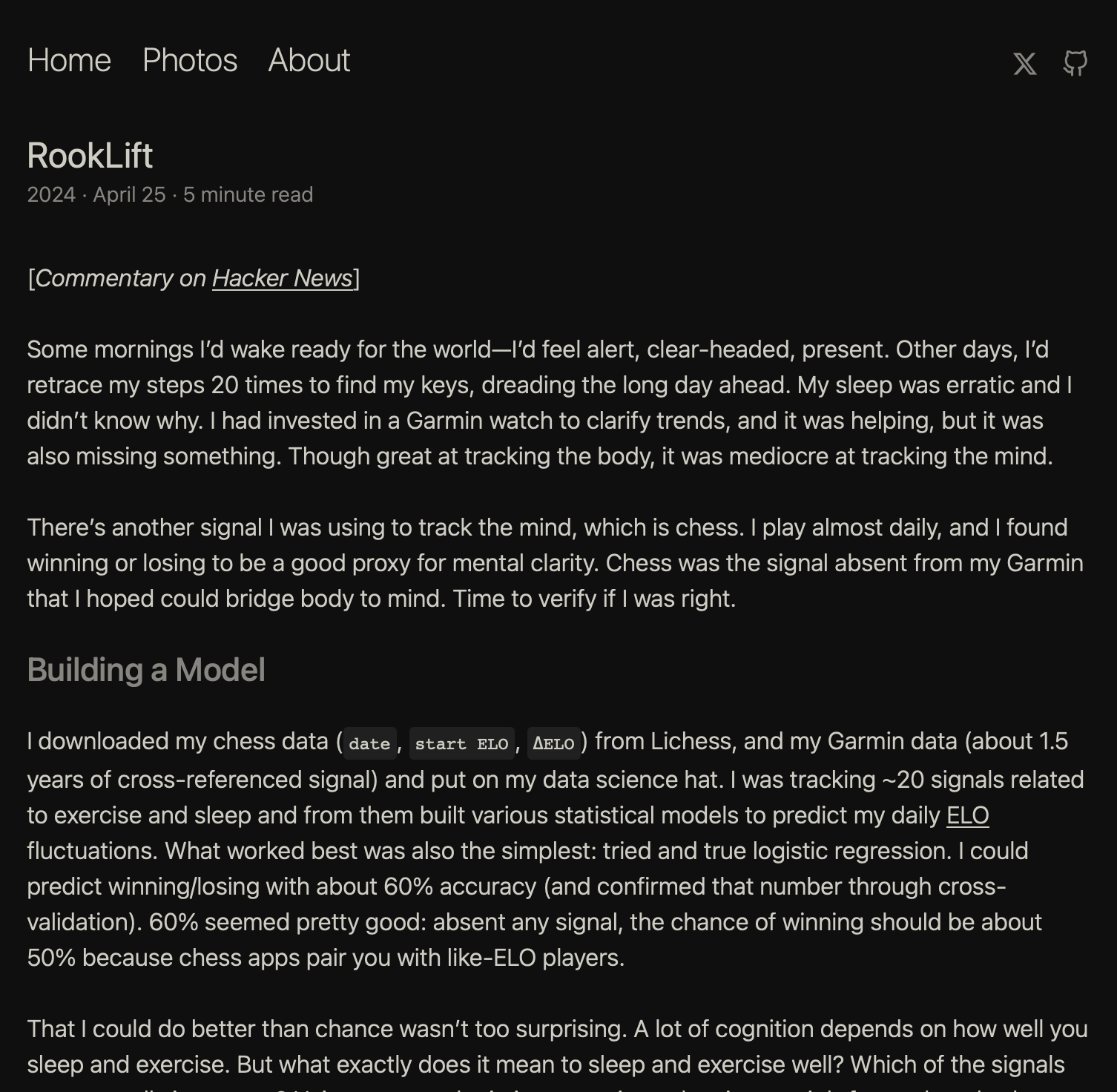
-
The UI/UX of a website contributes a lot to the intended message and nuance of an article, stripping everything away into a flat Markdown file loses a lot of that.
-
This is my only gripe with the clipper though!
-
-
Obsidian web clipper natively allows you to save highlights from webpages, making it super easy to take notes while reading.
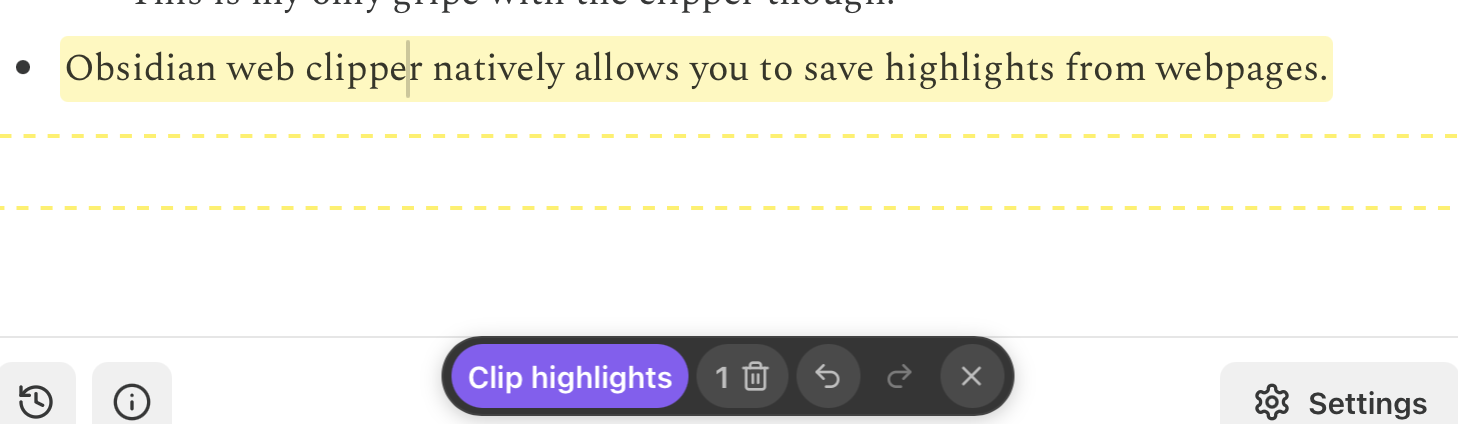
-
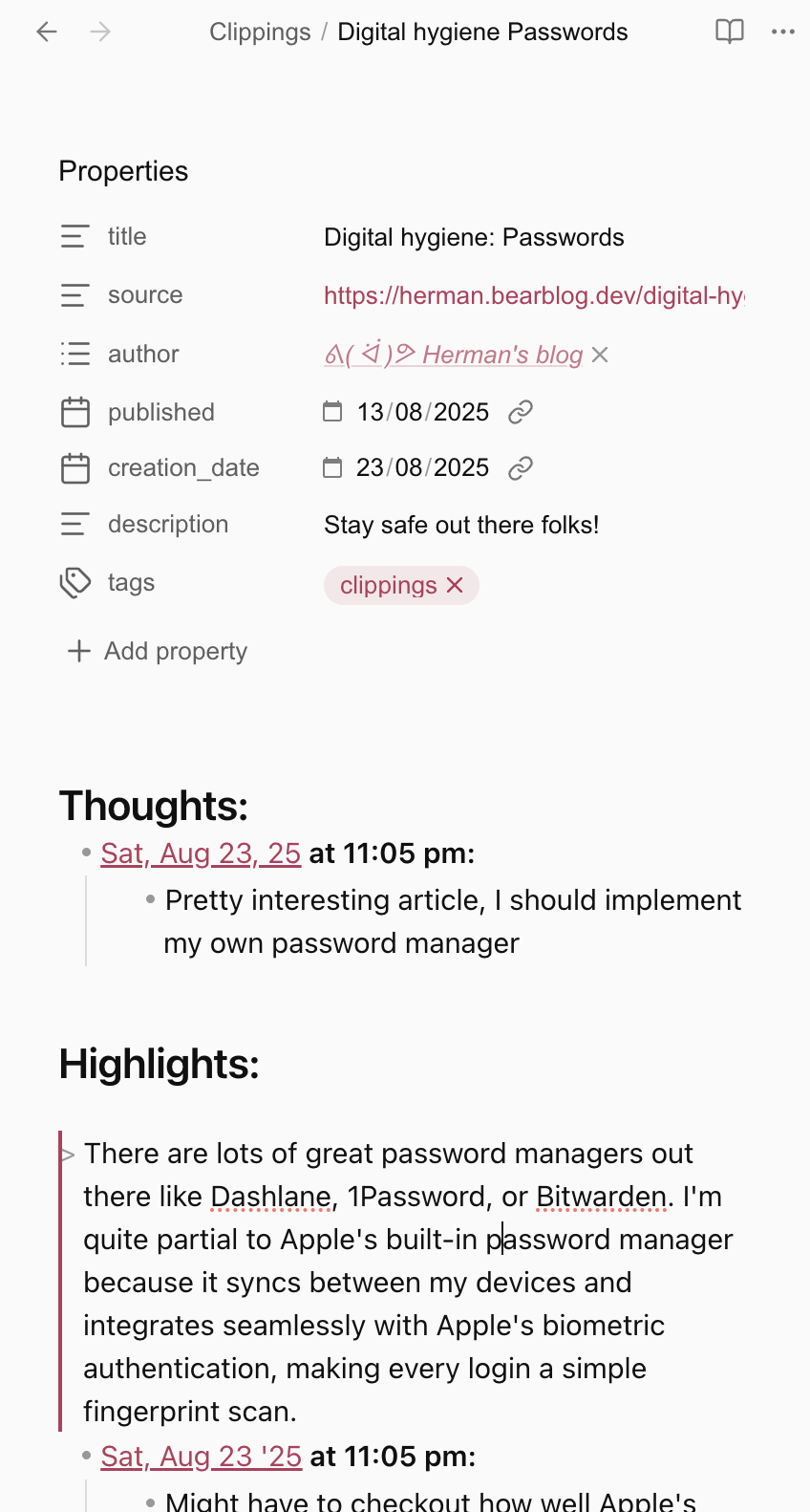
Also, it supports custom templates which allow you to customise how your notes are saved. My setup looks something like below
-
Here’s the code you can copy and paste into web clipper’s settings to replicate my setup:
## Thoughts:
- **[[{{time|date:"YYYY-MM-DD"}}|{{time|date:"ddd, MMM DD, YY"}}]] at {{time|date:"h:mm a"}}:**
    - <% tp.file.cursor() %>

## Highlights:

{{highlights|template:"> ${text}\n- <% tp.file.cursor() %>\n\n"|join:""}}

---
# {{title}}

{{content}}
-
-
Obsidian web clipper also deeply integrates with Obsidian for an all-in-one knowledge management setup. My tagging system works perfectly, as well as my note-linking and semantic connection workflows.
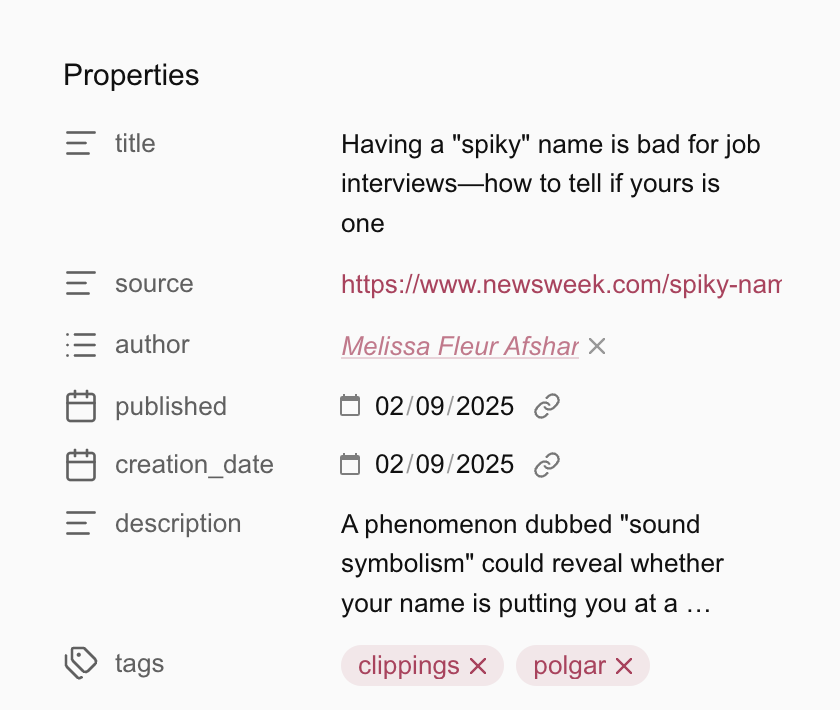
polgar is my tag for everything that might potentially help my future kids
That’s about it, definitely recommend!