If you’ve experimented with AI agents, you’ve probably thought to yourself “Hmm if only there was a way to control these from my phone”.
There are a few ways of setting this up, here I’ve outlined my current setup!
I’m currently using:
-
Amphetamine - An app that allows you to keep your Mac always running, even when the lid is closed. This allows my Mac to run as a server when I’m out, which is where all my files and code lives
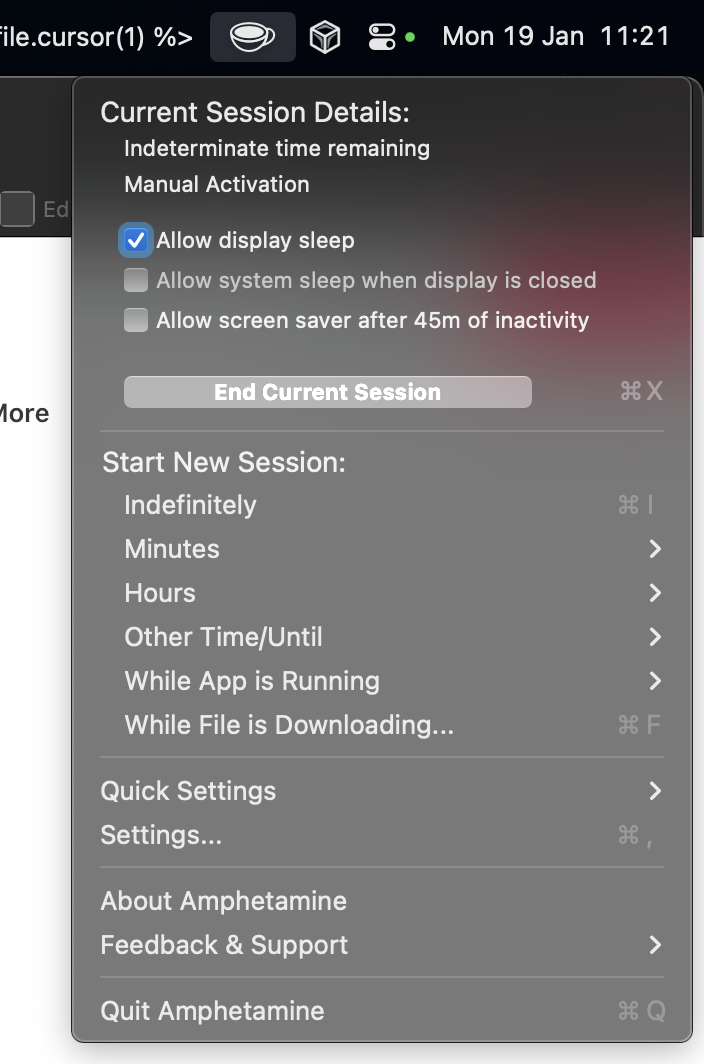
.
-
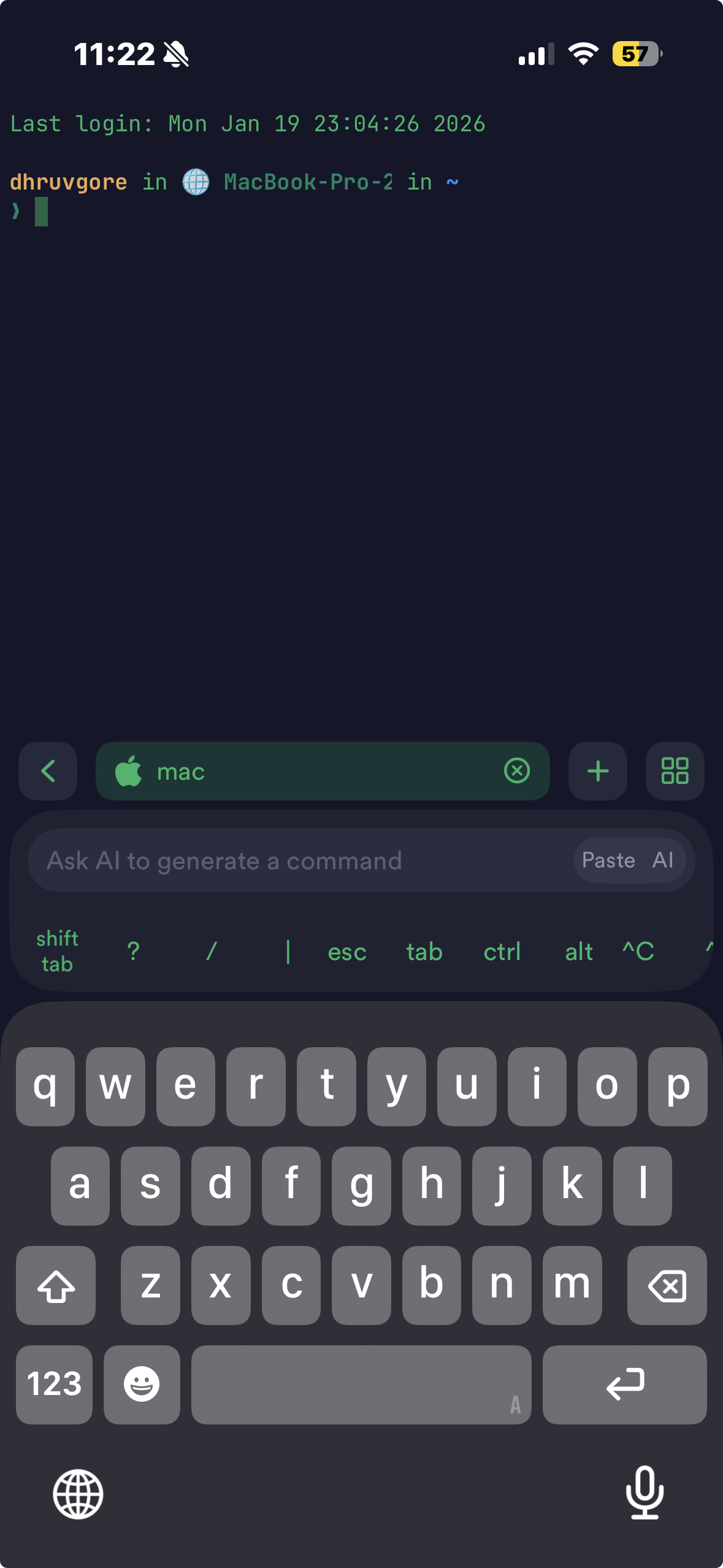
Terminus - This is a terminal client for iOS. Most AI agents currently are run via the terminal, if you’re not too sure what a terminal is here’s a good explanation!
-
Tailscale - This basically provides the connection between my Mac and my iPhone, allowing me to securely connect to my Mac with minimal setup.
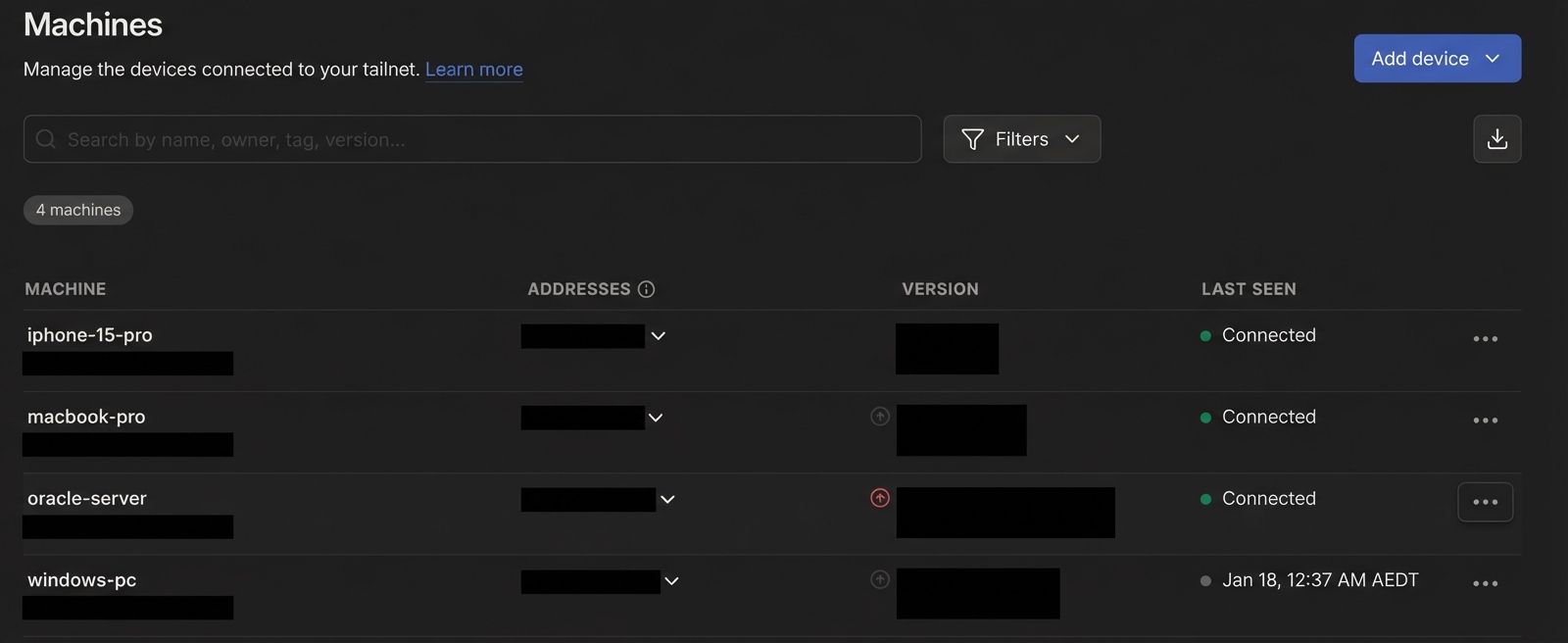
Here’s a photo and video of my setup!
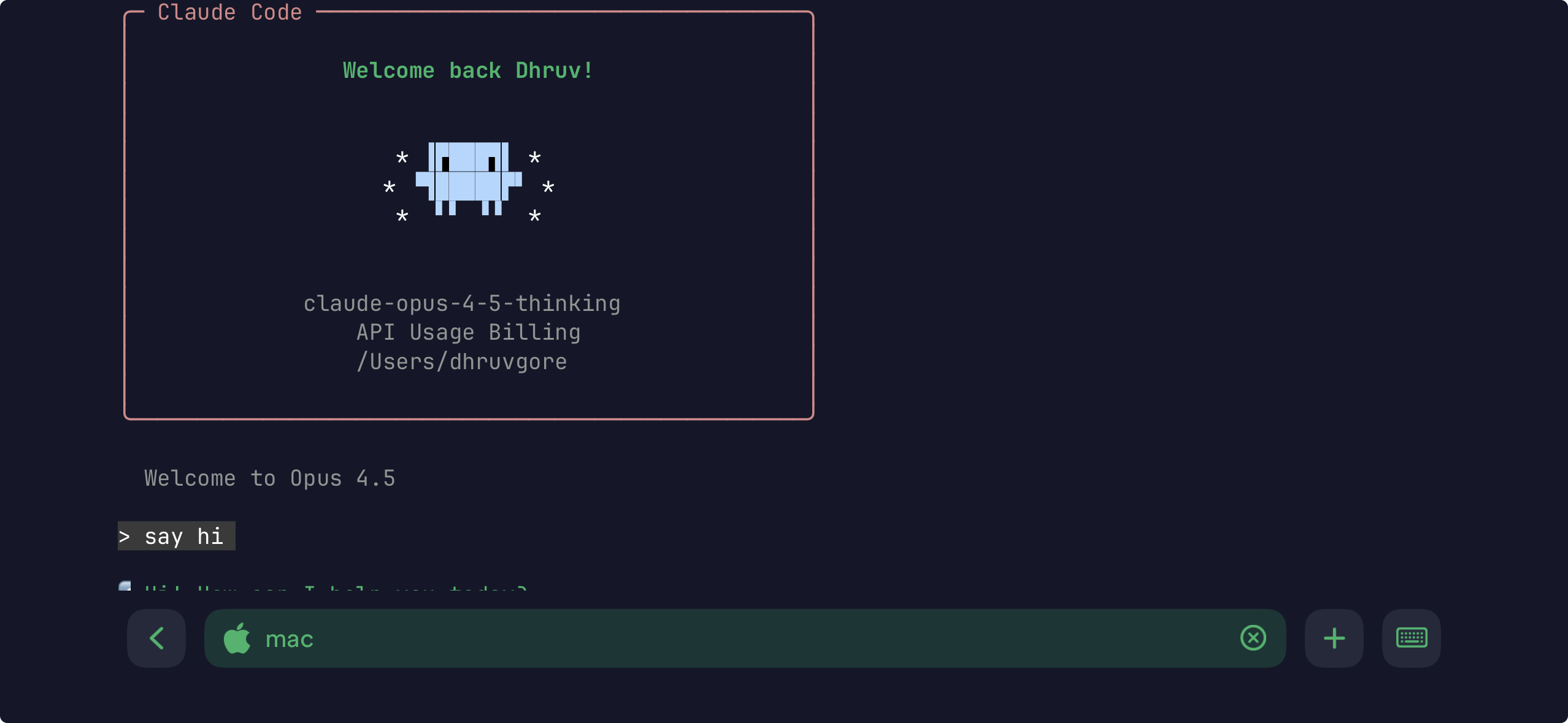
claude on termius on my phone
Overall I really enjoy this setup, this way I don’t have any issues with working on projects on my laptop and worrying about syncing them etc to a server to work on them. This also does improve my productivity, it’s pretty fun to set off agents to work on random tasks/projects/debug issues that come to mind on the go.
The only improvement to my setup is probably figuring out how to sync files between my Mac and my PC, to allow an agent to seamlessly interact between them. I think an MCP might be the strat for this, but not sure if I want to commit to that yet.
I might do a separate tutorial post if people are interested, don’t currently have the time to flesh it out in this blog post. Let me know in the comments, also don’t forget to like/subscribe!!