Pi is an open-source coding harness that allows LLMs to interact with your filesystem, basically an open-source Claude Code.
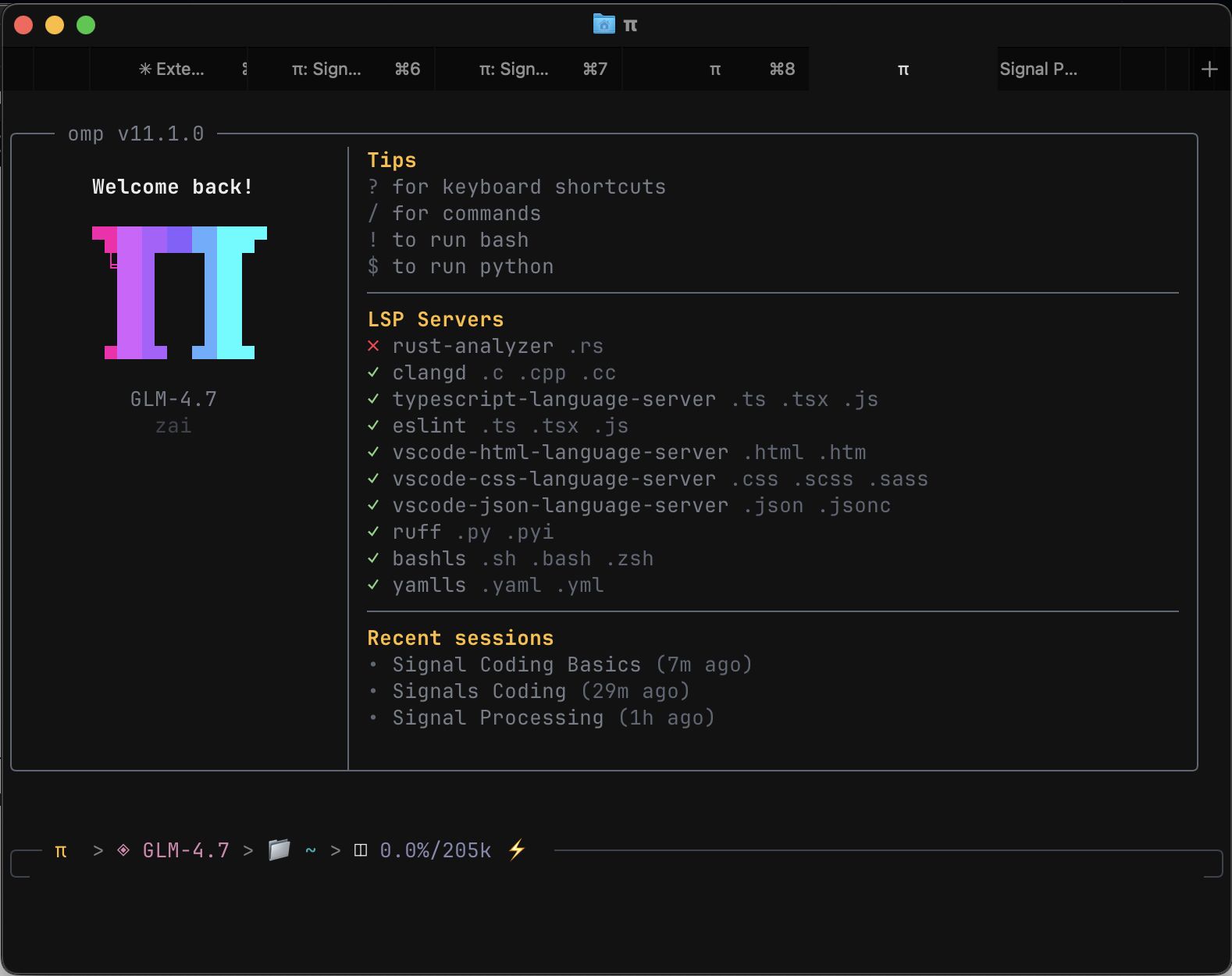
using pi in my terminal!
The ethos behind Pi is it provides a minimal interface for LLMs to interact with your system, and is built to be extensible with custom plugins you create. It purposefully doesn’t come preconfigured with features like MCP integration, subagents, TODOs etc, rather you create the features and implementations as you see fit.
I quite like this philosophy, and believe that AI performance will be greatly enhanced in the harnesses we put LLMs in (although the bitter lesson indicates otherwise).
I barely have scratched the surface of the features implemented in Claude Code, simply because I haven’t created them and don’t know all the possibilities. Using Pi means that I know which features I’ve created/built to solve specific problems, and also can use Pi to quickly implement new features/ideas I see online.
Today I asked Pi to implement Factory.ai’s signals and Vercel’s Agents.md blog posts, this sort of fast recursive improvement would not be possible within other terminal harnesses.
The only downside is that because the implementation is minimal, the performance of the GLM-4.7 model i’m currently using is subpar compared to the refined harness of Claude Code and others. This should change over time once I start improving the prompting and other workflows, but for now I still use Claude Code and Gemini CLI for complex tasks.
That’s about it, hope you guys enjoyed!! Don’t forget to like and subscribe :)))