Here’s my current iPhone lock screen setup:
There are 3 main things can customise on the iPhone Lock Screen.
-
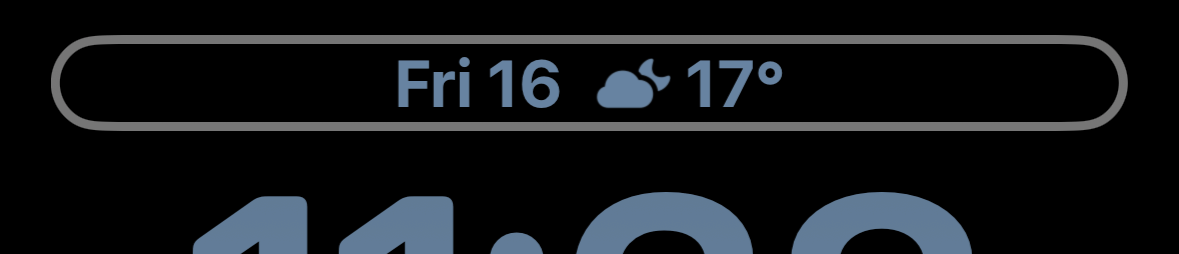
A top level widget next to the date:
-
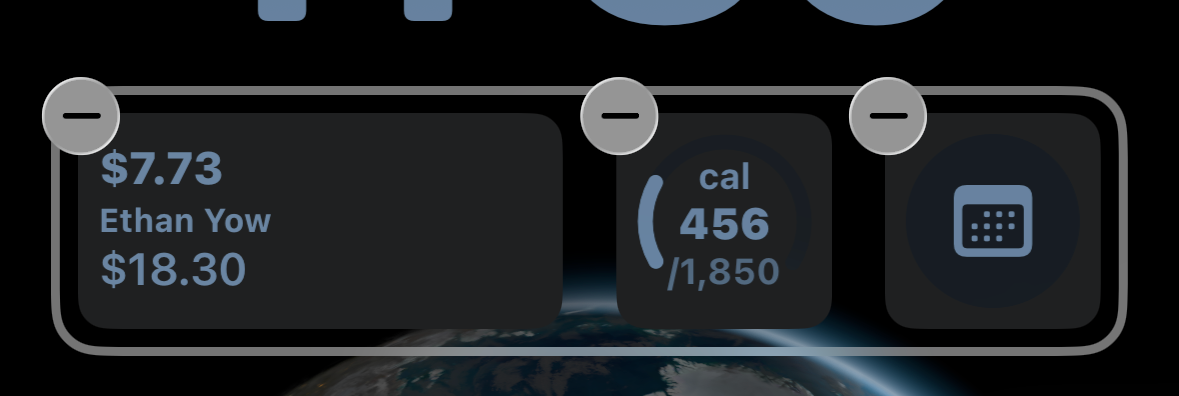
The main home row of widgets:
-
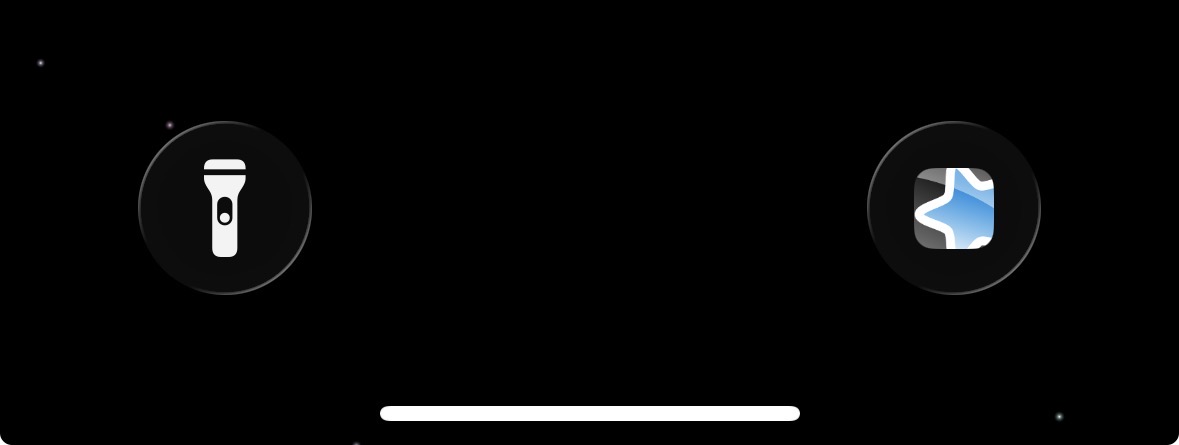
The two optional buttons on the bottom
Below is what I’ve chosen, and my rationale for them:
-
Top level widget:
- The weather. Honestly this could be swapped out for other things, however I currently don’t have a complication for weather on my Apple Watch.
-
The home row of widgets
-
My balance and recent transactions. I use Up Bank which provides a bunch of useful iOS widgets.
-
MyFitnessPal calorie tracker. The cut begins tomorrow, useful to have in general.
-
Obsidian daily note widget. Obsidian’s most recent mobile update brought with it a bunch of nice to have widgets for the home and lock screen.
-
-
The bottom buttons.
-
Anki shortcut. iOS defaults to a camera widget in the bottom right, however it’s relatively useless because swiping left opens the camera anyway.
-
The default torch flashlight is pretty useful to have!
-
The only other thing I’d potentially change is the wallpaper, maybe using something like weekly dots:
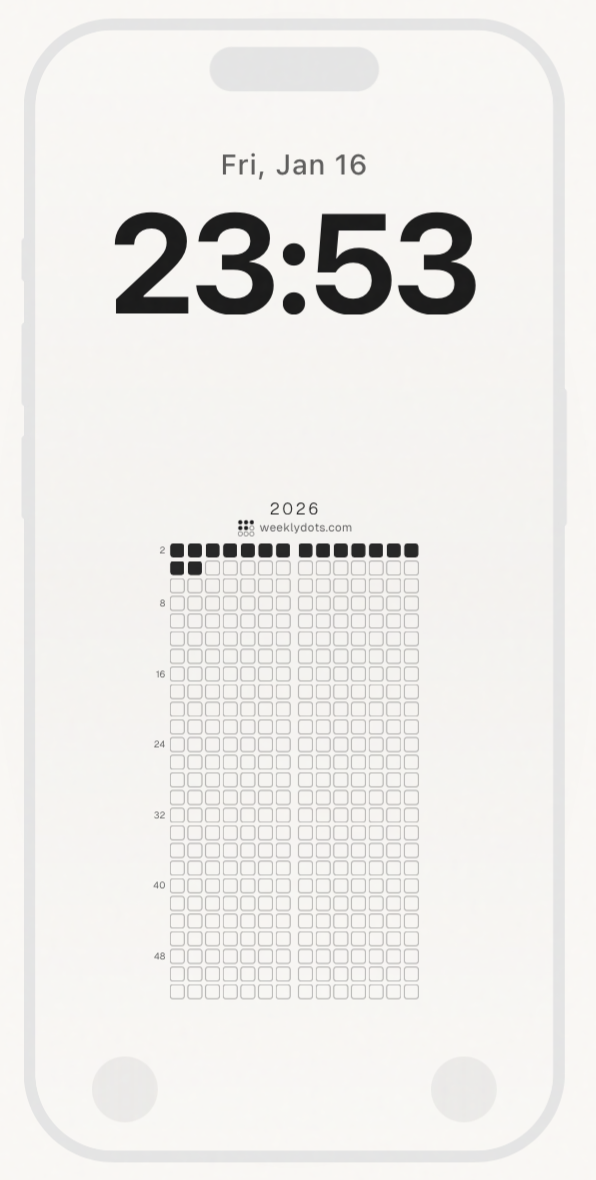
Can’t bring myself to pay for it when I’ll likely create my own version customised to my liking.
That’s about it thanks for reading, hope you enjoyed and let me know if there are any other interesting widgets I should check out and consider :))