FSRS is an open-source next generation spaced repetition scheduler which helps optimise your ‘bang for buck’ in terms of ‘memory stability per review’ in various learning apps (like Anki).
Basically FSRS makes it easier to review less Anki cards per day with the same retention. The only better scheduler is SM-19, however that algorithm is proprietary and only available in the Supermemo app.
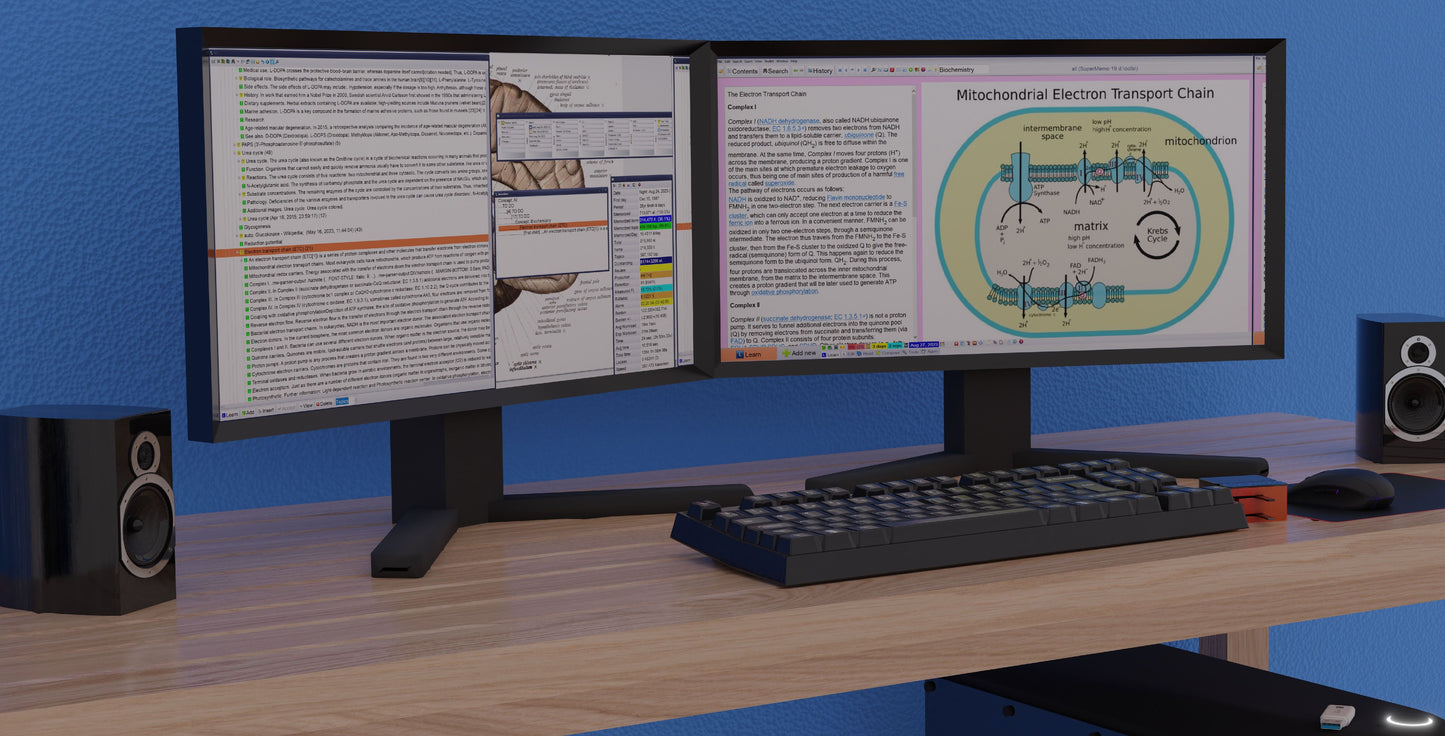
Supermemo 19, only available on Windows.
If you use Anki at all, you should enable FSRS in settings:
-
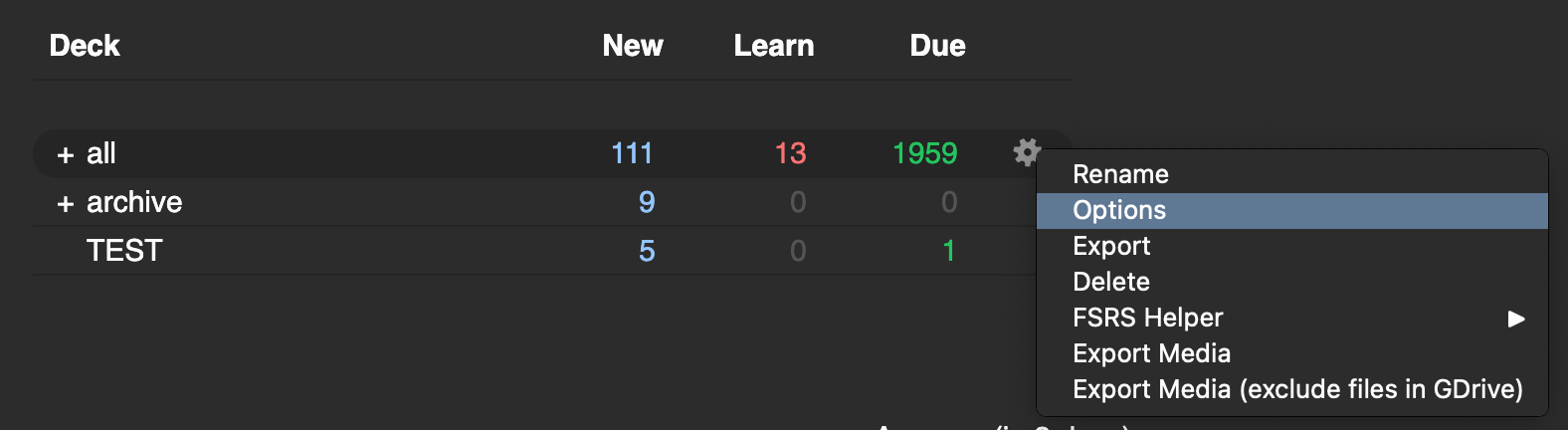
Hover over the settings icon (grey cog) to the right of your deck

-
Click on Options
-
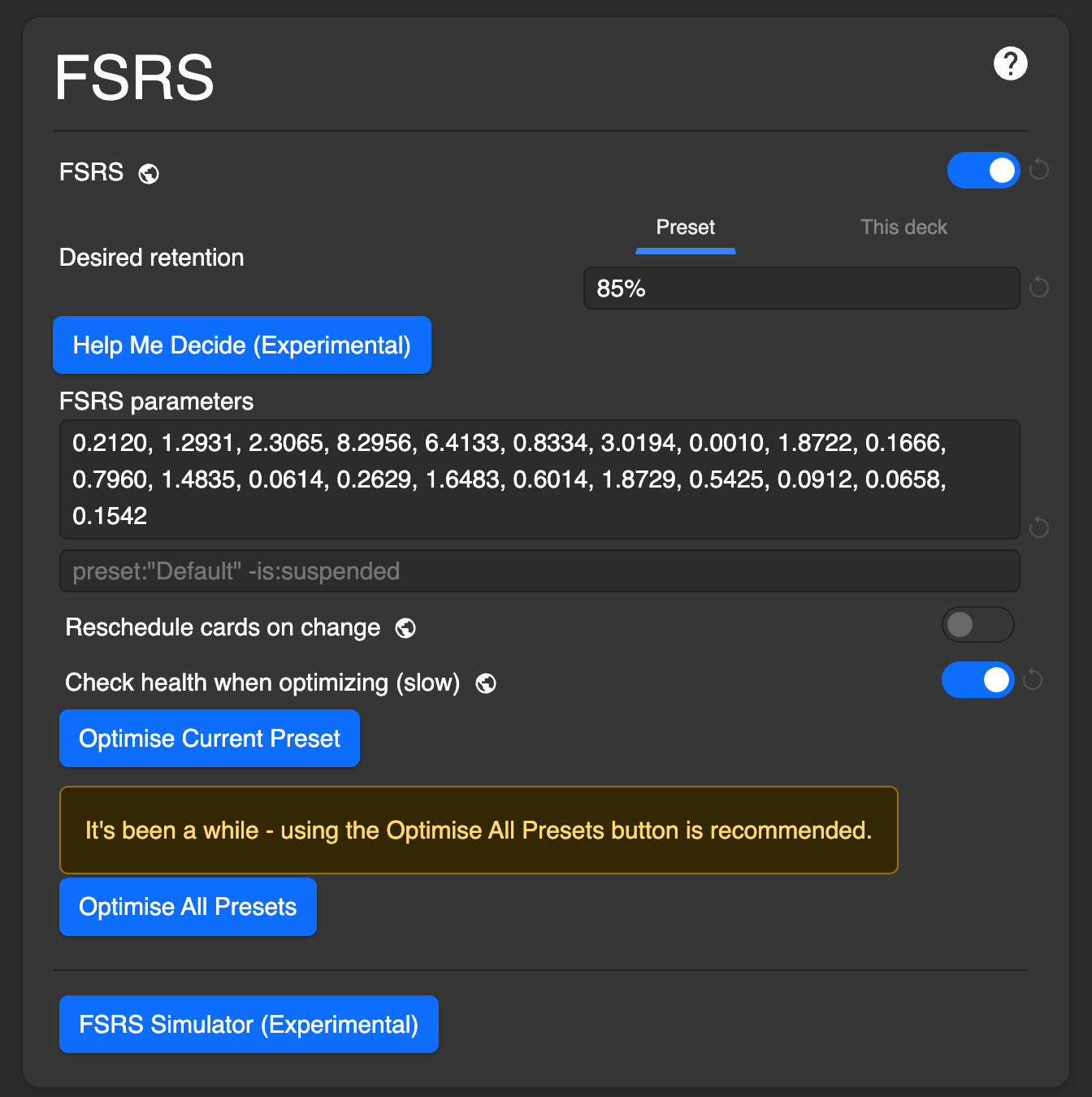
Enable FSRS
-
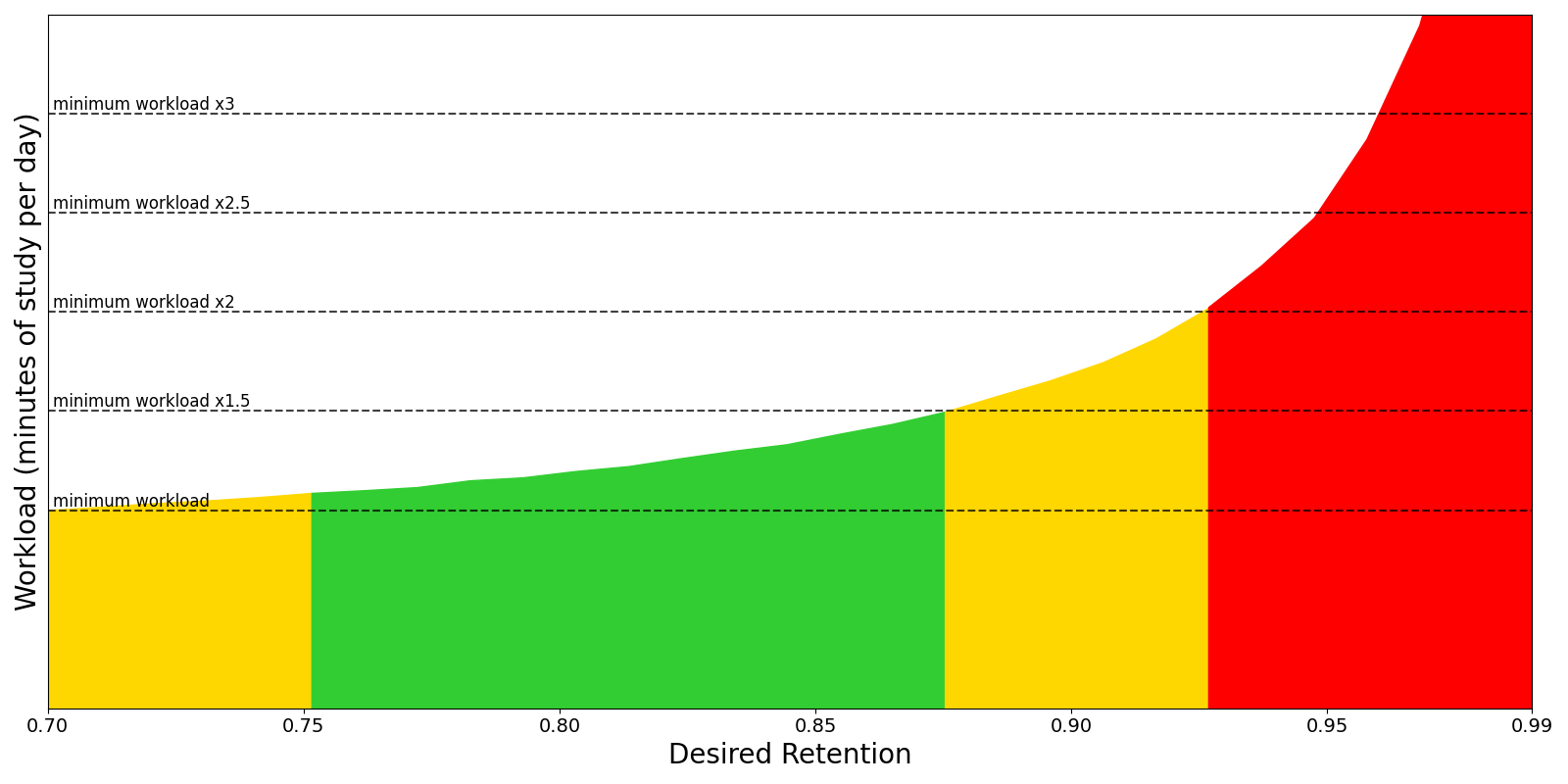
Set your desired retention to something between 0.75 and 0.9. Anything greater than that results in a much higher review workload for marginally better retention, as illustrated by the graph below.
-
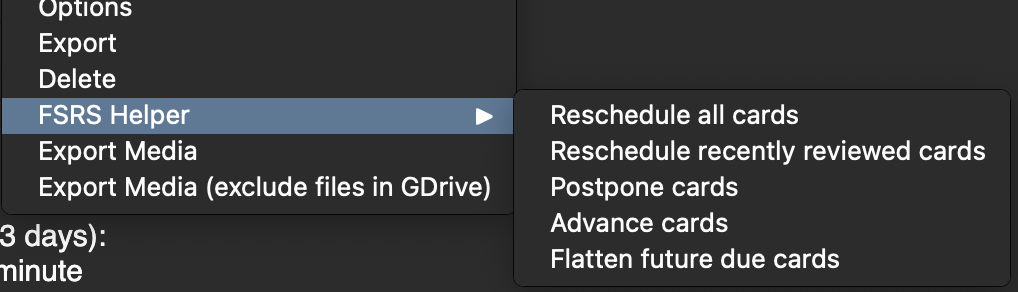
Get the FSRS Helper Addon. This add-on provides nice to have features like smart distribution of reviews over time (helps clear massive backlogs), postpone easy cards and advance hard cards. (side note, checkout my post on recommended anki add ons if interested!)
You can basically ignore every other setting in Anki, I’ll do a separate post on other things I’ve changed and my rationale.
The only other thing to keep in mind with FSRS is you can ‘optimise’ your decks after you have 1000 reviews or so, and should ideally optimise after every doubling of reviews (i.e. after 2000, then 4000, so on). This just finetunes FSRS on your deck and its difficulty.
Reach out if you need any help with this!
Thanks for reading, don’t forget to like and subscribe!!